Connect To WiFi#
WiFi pairing starts from the trusted USB connection.
- Connect EP01 over USB in the configuration tool.
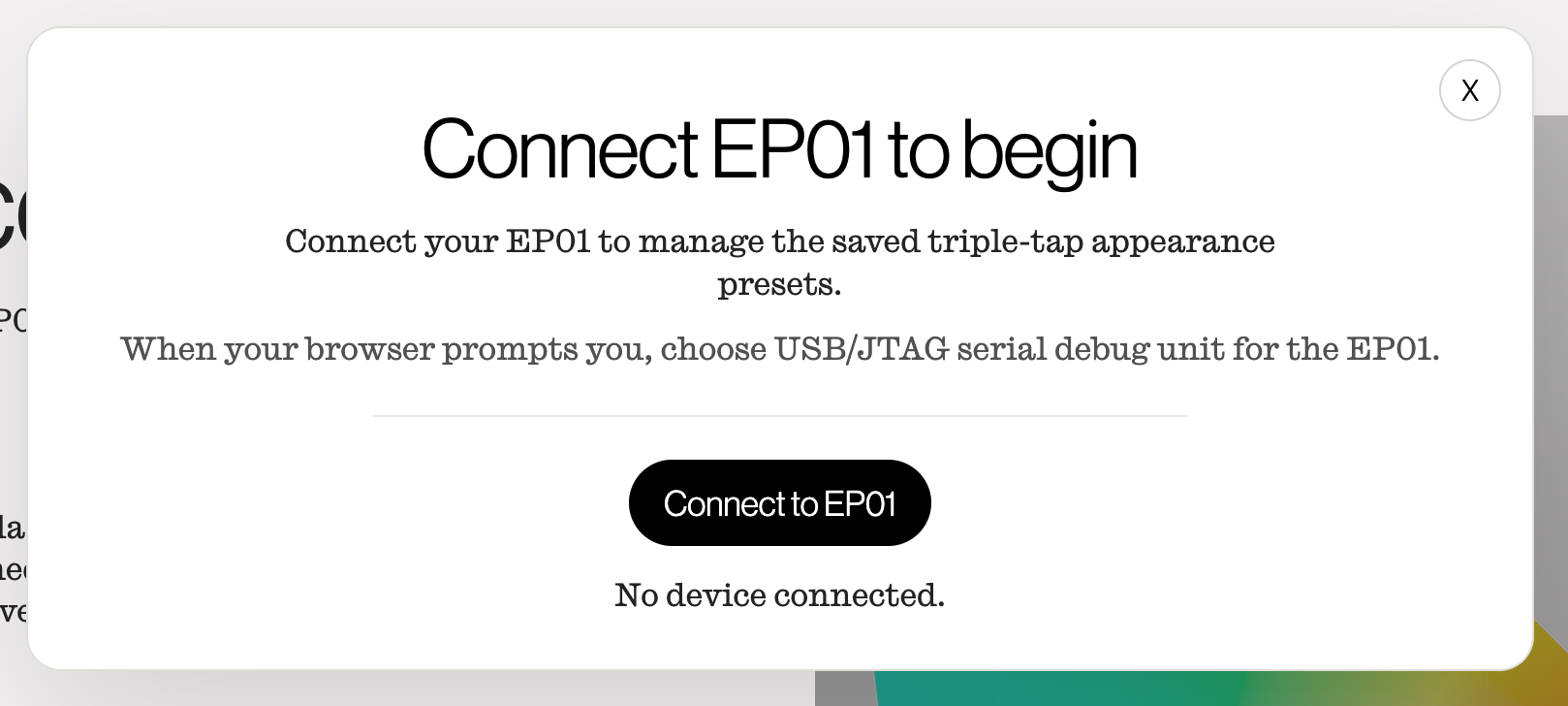
- Navigate to the Network Pairing section of the tool.
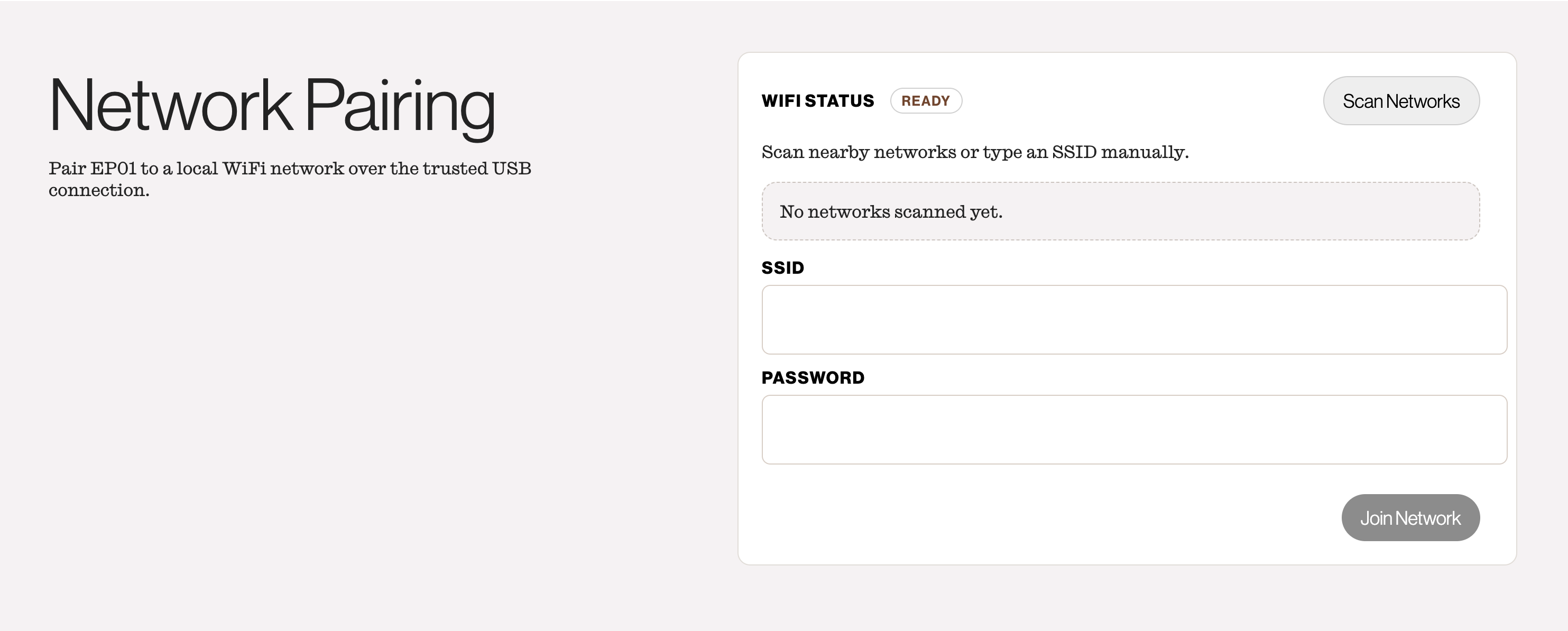
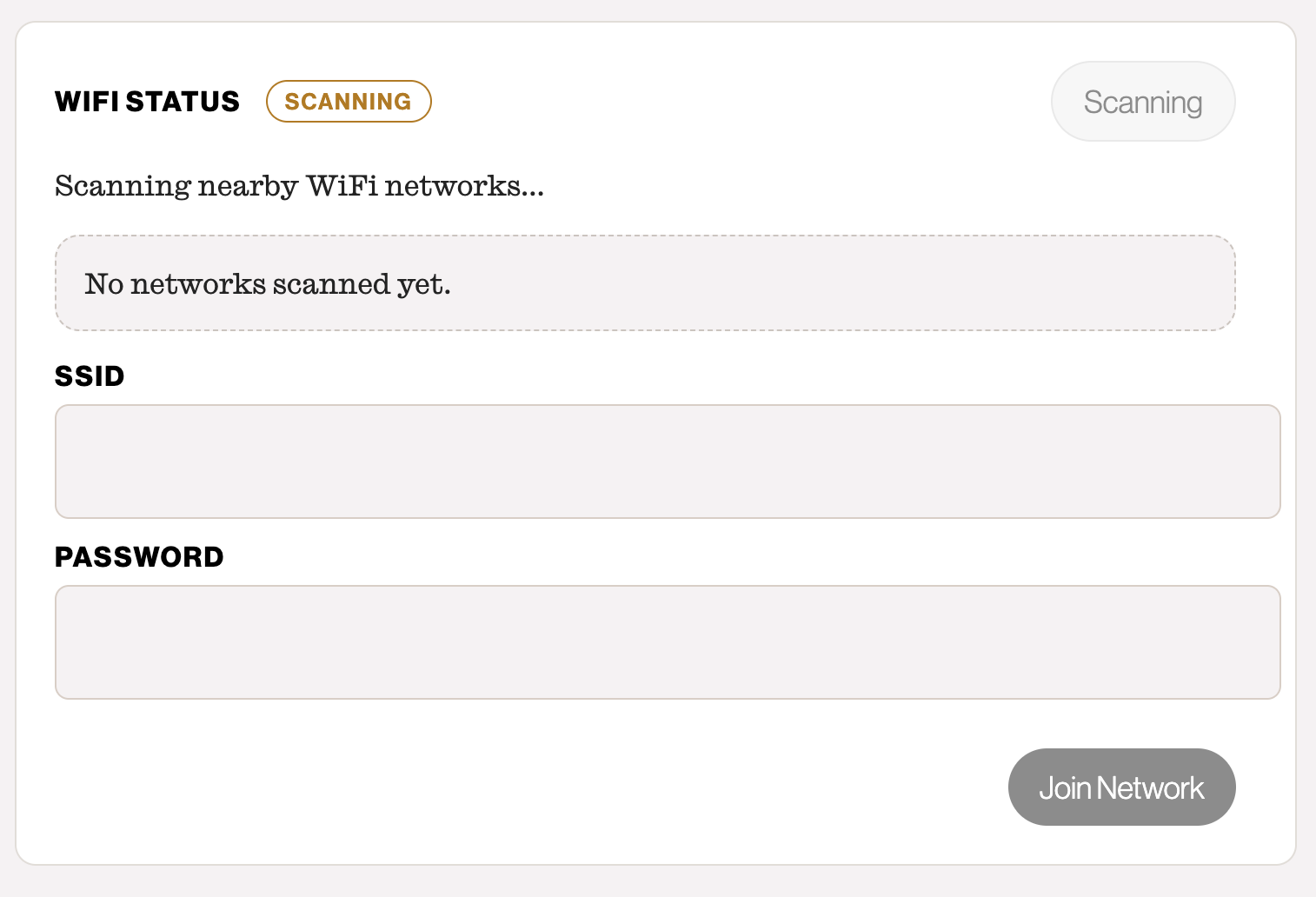
- In the Network Pairing section, select Scan Networks.
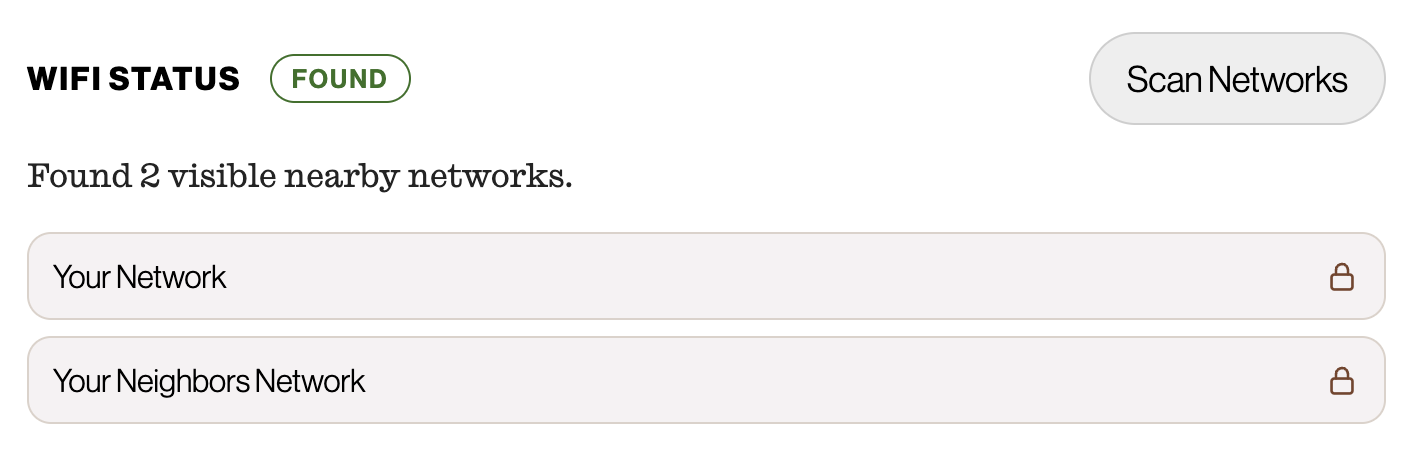
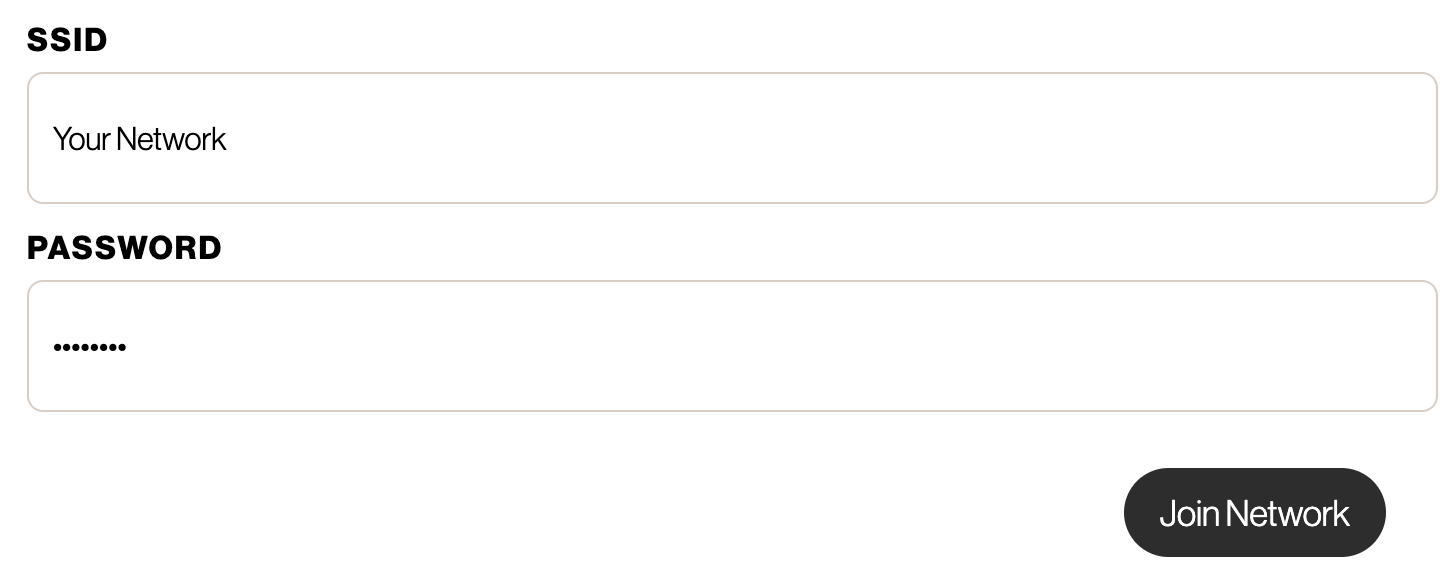
- Choose a network from the list. If your network is not listed, type the SSID manually in the feild below.
- Enter the password if the network is secured.
- Select Join Network.
After EP01 joins the network, it will become accesible to the Enody SDK. Future connections to EP01 over WiFi will require a physical interaction with the device to authenticate the connection.