Connect Over USB#
Connect EP01 to the configuration tool before changing settings.
- Plug EP01 into your computer via USB-C.
- Open the Enody configuration tool.
- Select Connect to EP01.
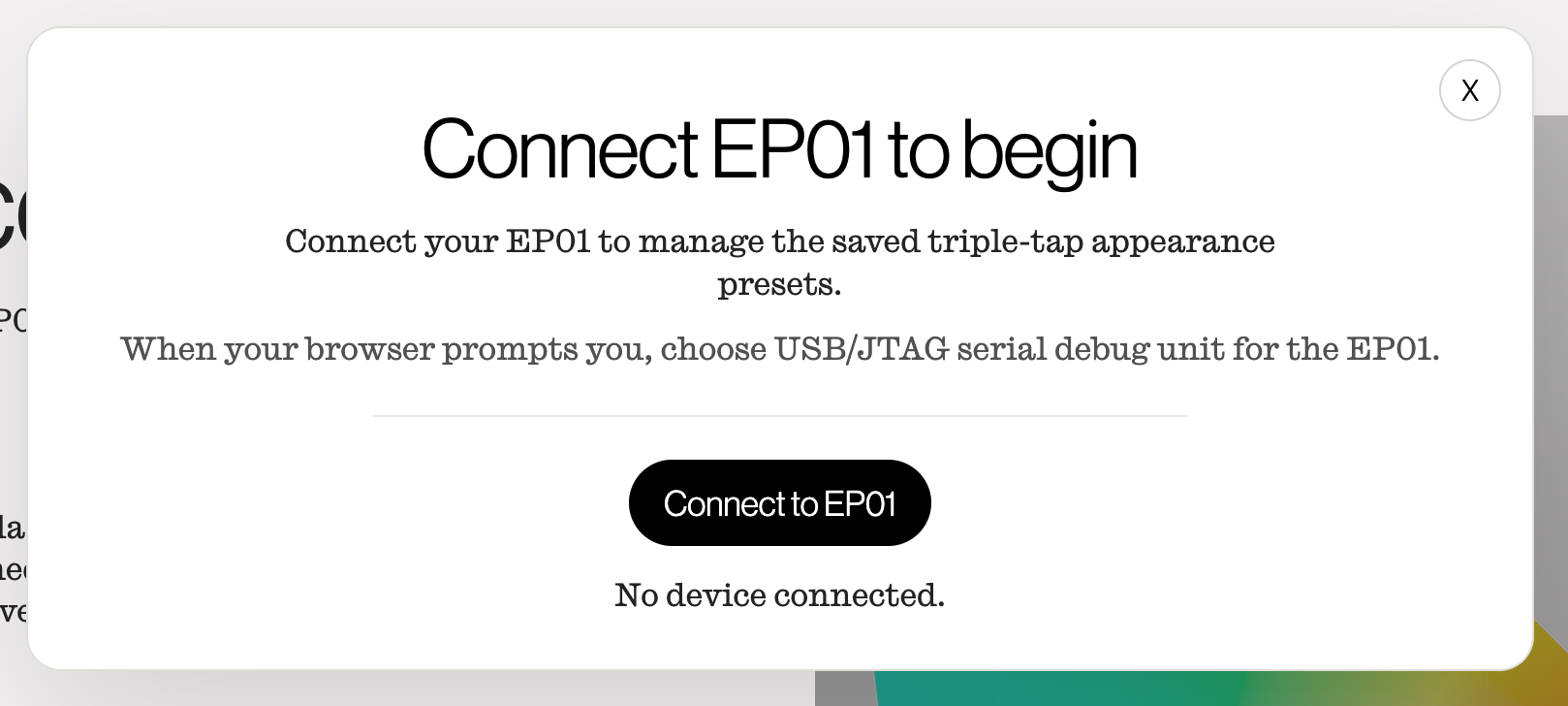
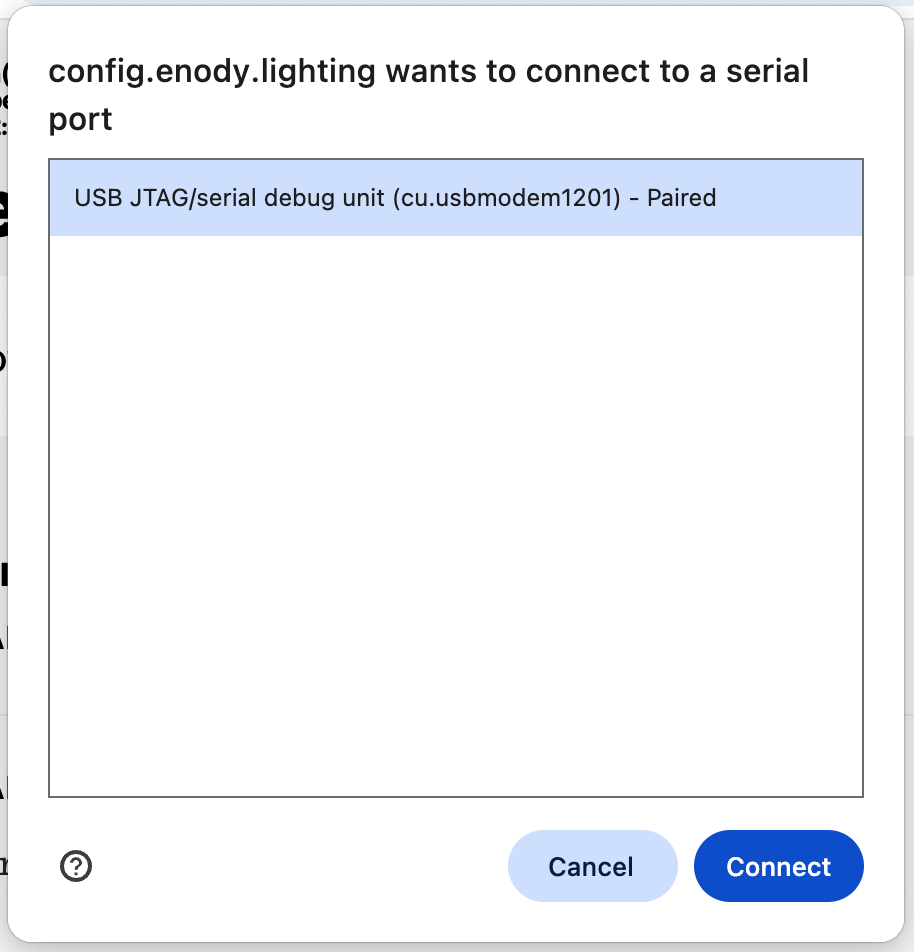
- When the browser asks which serial device to use, choose the EP01 USB/JTAG serial debug unit.
After the connection succeeds, the tool shows the device identifier, firmware version, source count, emitter count, and firmware status.
If the browser cannot connect:
- Close other tools that may be connected to EP01.
- Unplug and reconnect EP01.
- Select Connect to EP01 again.