Update Firmware#
The configuration tool checks the firmware catalog when EP01 connects. If a newer public firmware version is available, the tool opens a firmware update dialog before continuing configuration.
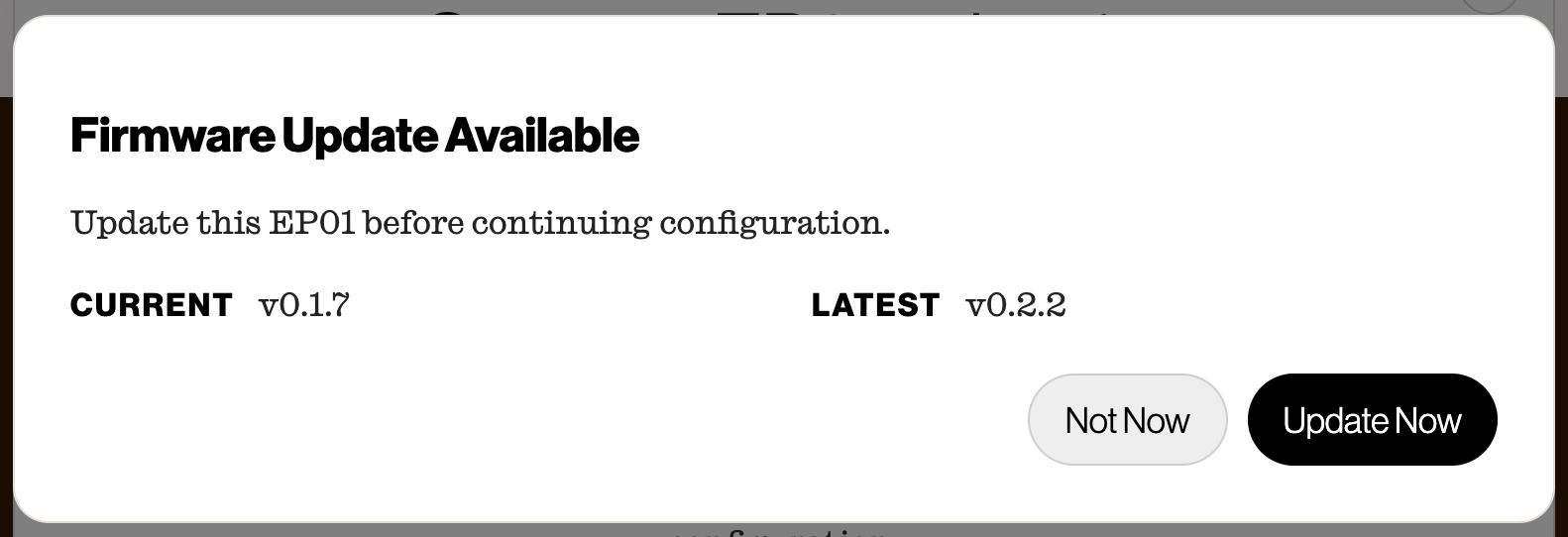
Firmware Update Dialog
- Leave EP01 plugged in.
- Select Update Now.
- Wait while the tool downloads, writes, and verifies the firmware. Do not unplug EP01 or refresh your web browser.
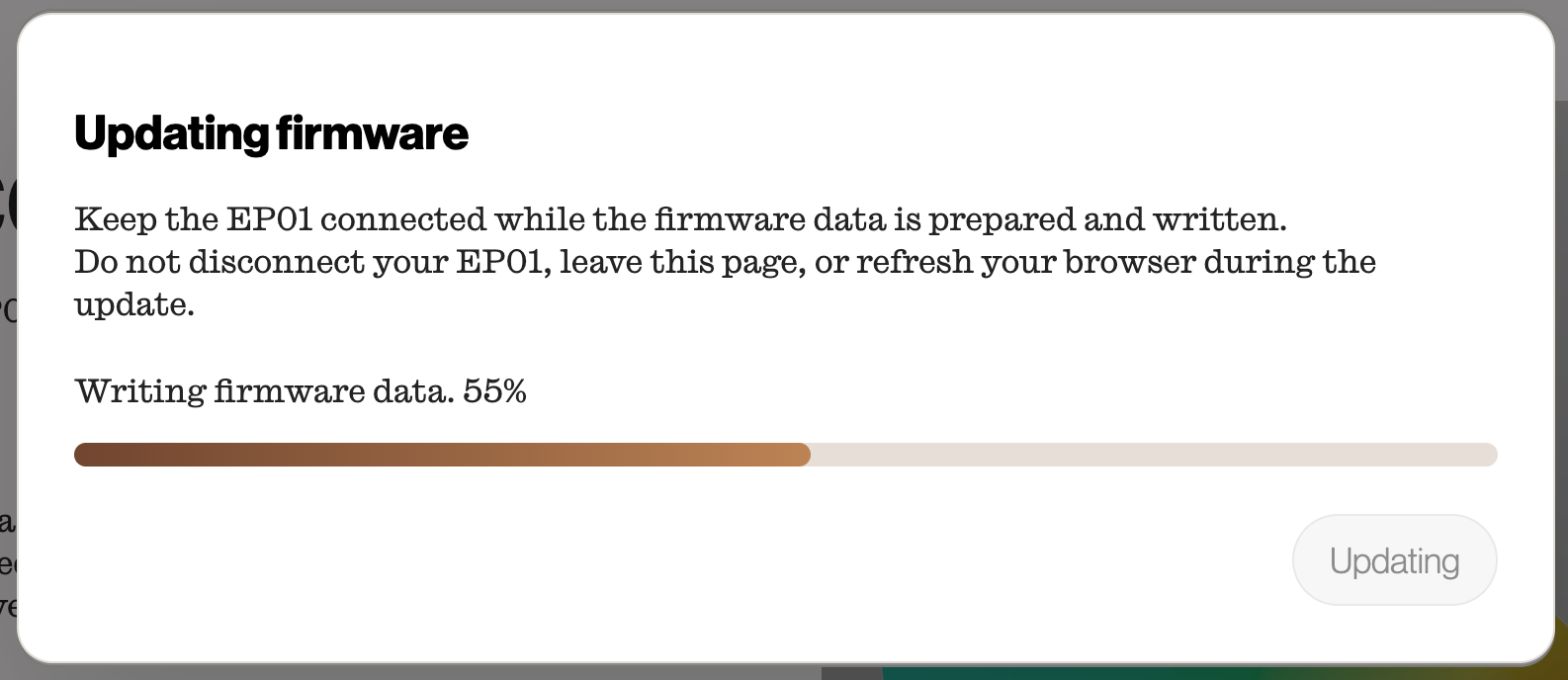
- If the tool asks you to reconnect the lamp, unplug and reconnect EP01, then choose the same USB/JTAG serial debug unit again.